by Webhost365 Engineering Team | Sep 7, 2026 | Hosting Explained, Web Hosting
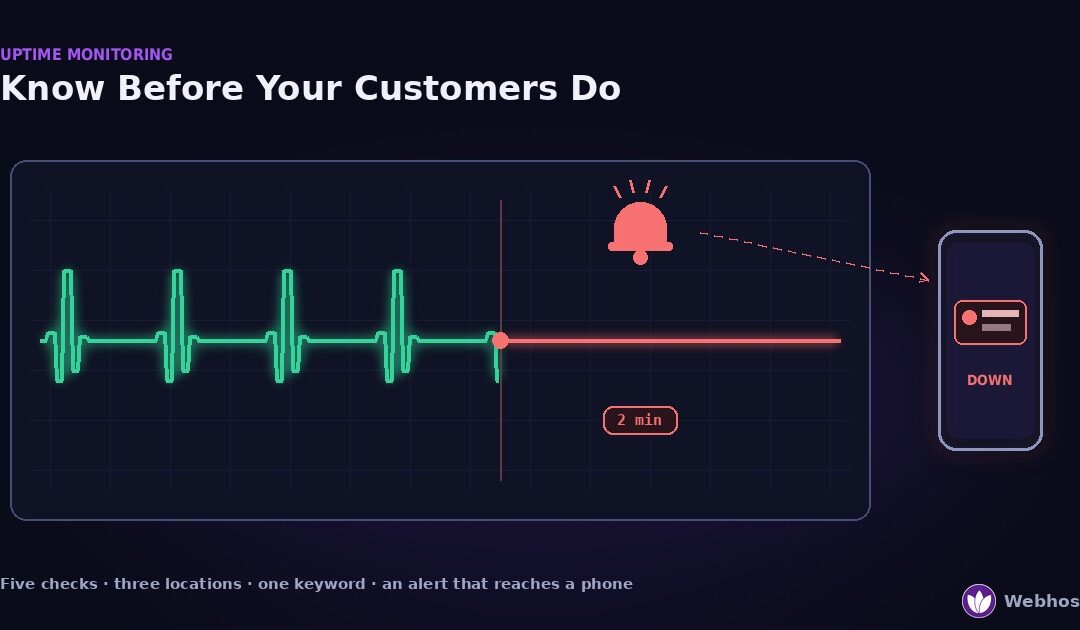
Website uptime monitoring is a service that loads your site from outside on a schedule and alerts you the moment it fails. Done well, it tells you the site is down minutes before a customer does. Done naively — one check, one location, email only — it misses real...
by Webhost365 Engineering Team | Sep 7, 2026 | Hosting Explained, WordPress
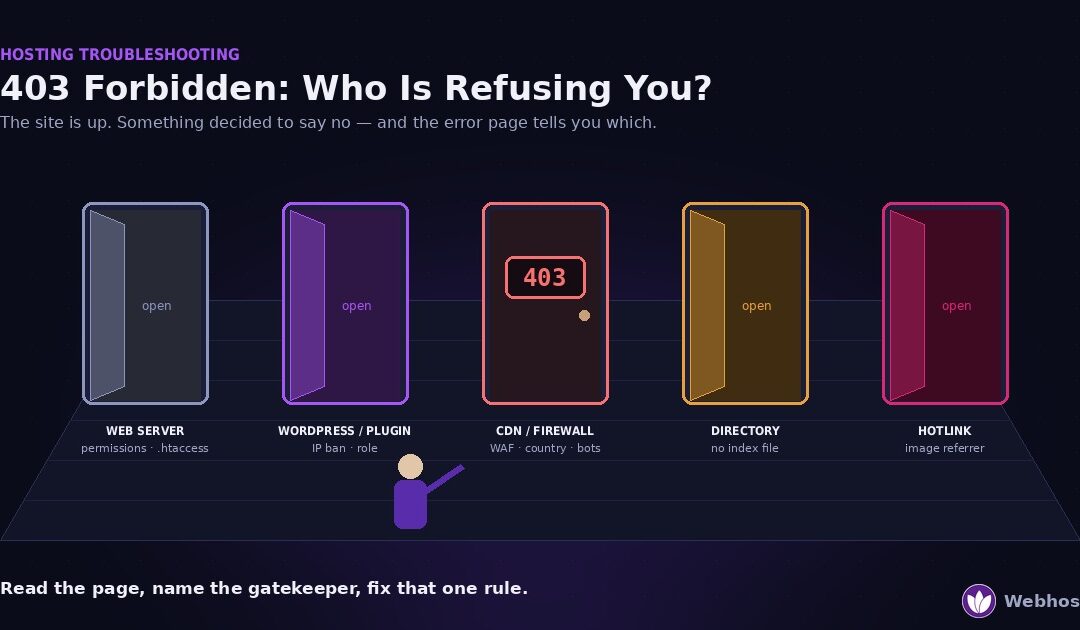
A 403 Forbidden means the server understood your request and refused it on purpose. The site is up, so nothing has crashed. Something simply decided you may not see this page. Five things can make that decision — the web server, WordPress or a security plugin, a CDN...
by Webhost365 Engineering Team | Sep 7, 2026 | Hosting Explained, WordPress
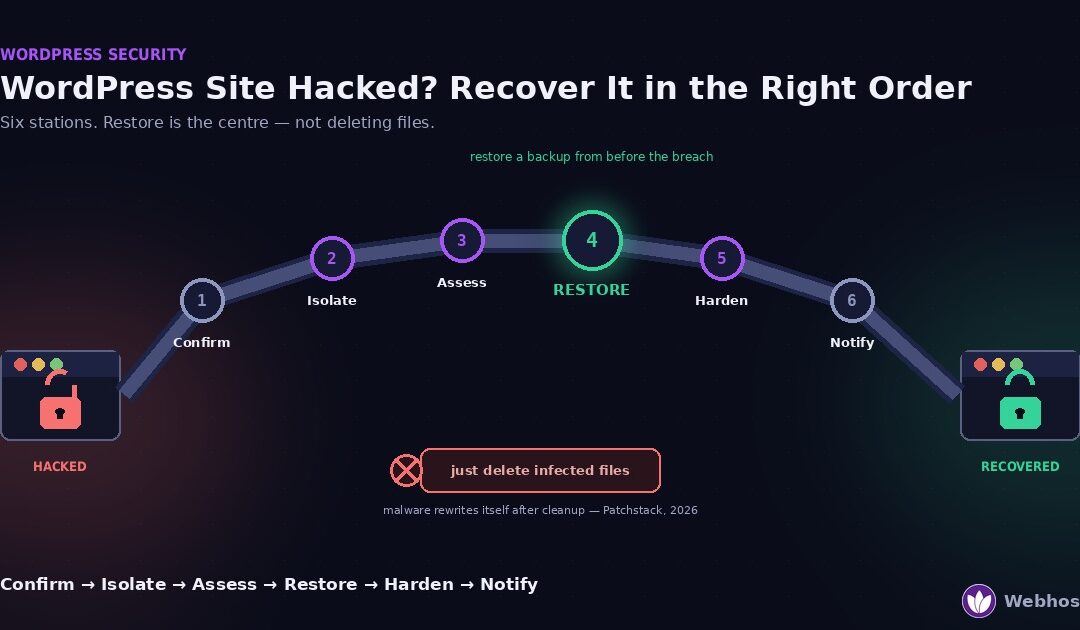
If your WordPress site was hacked, recover it in this order: confirm the hack is real, isolate the site and change every password, find how they got in, restore a backup from before the breach, harden the site, then clear Google’s warnings. Do not start by...
by Webhost365 Engineering Team | Sep 6, 2026 | Hosting Explained, Web Hosting
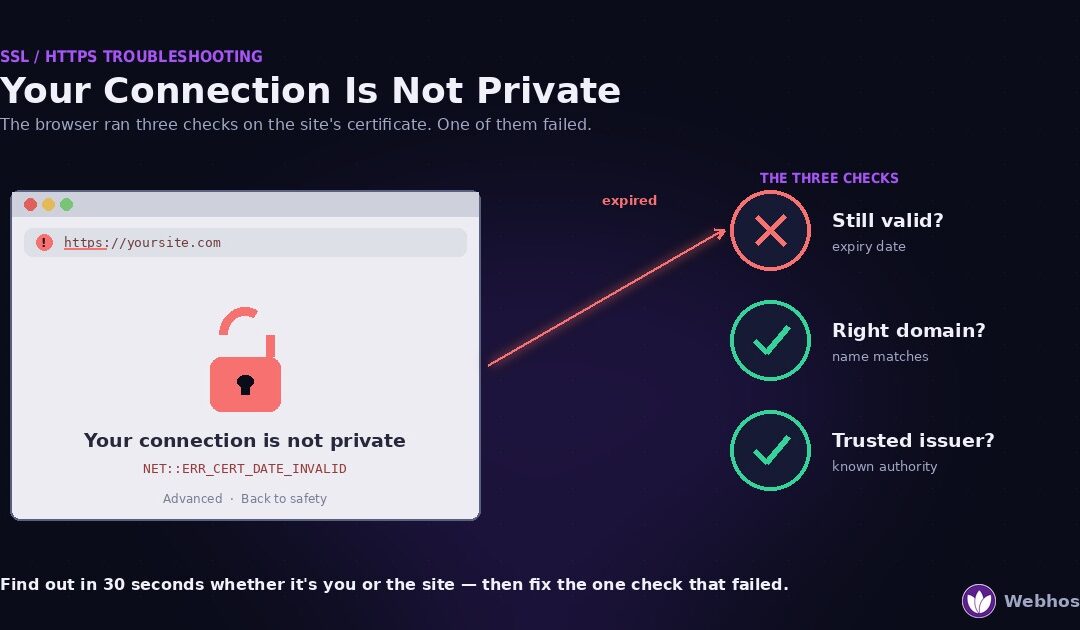
“Your connection is not private” means your browser checked the website’s SSL certificate and found a problem. Either the certificate has expired, it covers a different domain, or the browser does not trust the authority that issued it. In most cases...
by Webhost365 Engineering Team | Aug 28, 2026 | Hosting Explained, WordPress
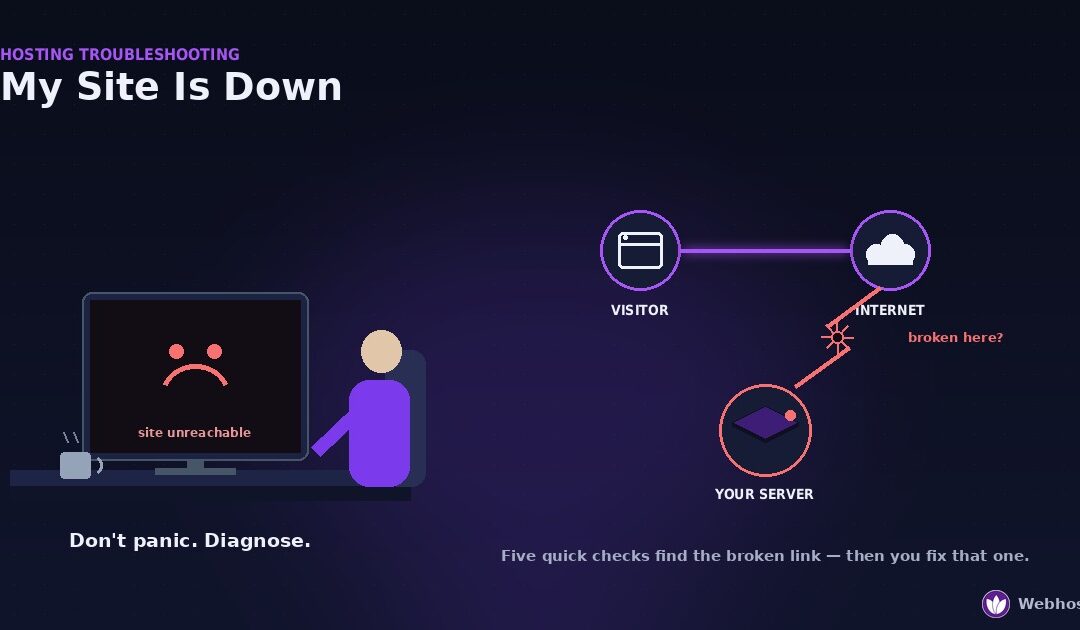
When your site is down, work through five checks in order before you change anything. Is it down for everyone, or just you? Does it show an error, or nothing at all? What does the error say? Did the domain or DNS break? Is the server even reachable? Each check rules...
by Webhost365 Engineering Team | Aug 26, 2026 | Hosting Explained, WordPress
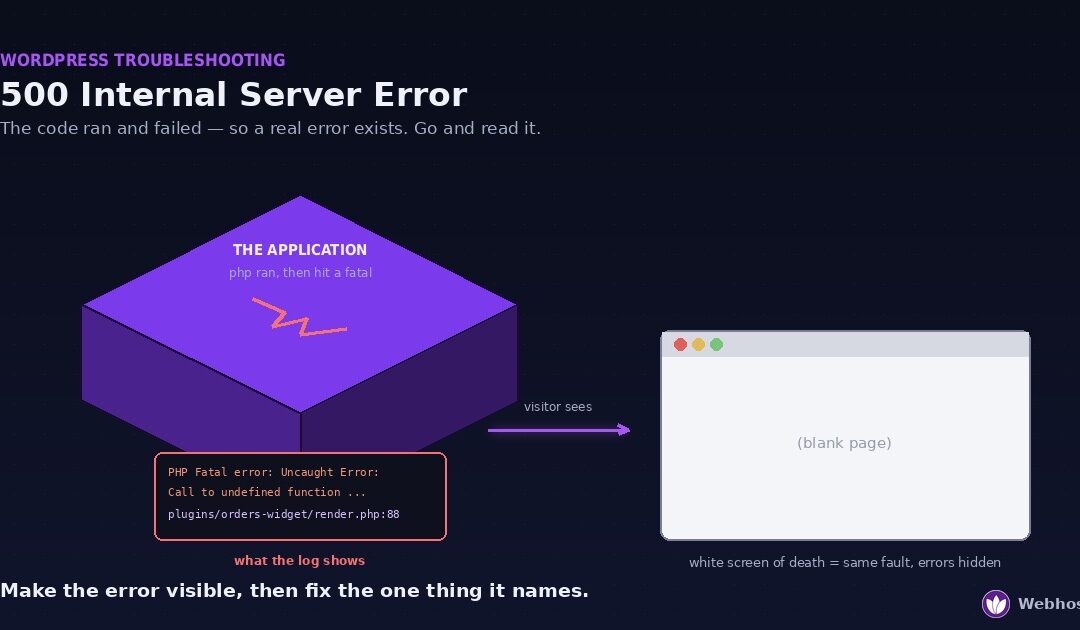
A 500 Internal Server Error means your website’s code ran and then failed. The server has no useful page to send back, so it returns a generic error instead. A blank white page is the same fault with error display switched off. Four causes cover almost every...
by Webhost365 Engineering Team | Aug 25, 2026 | Hosting Explained, Web Hosting
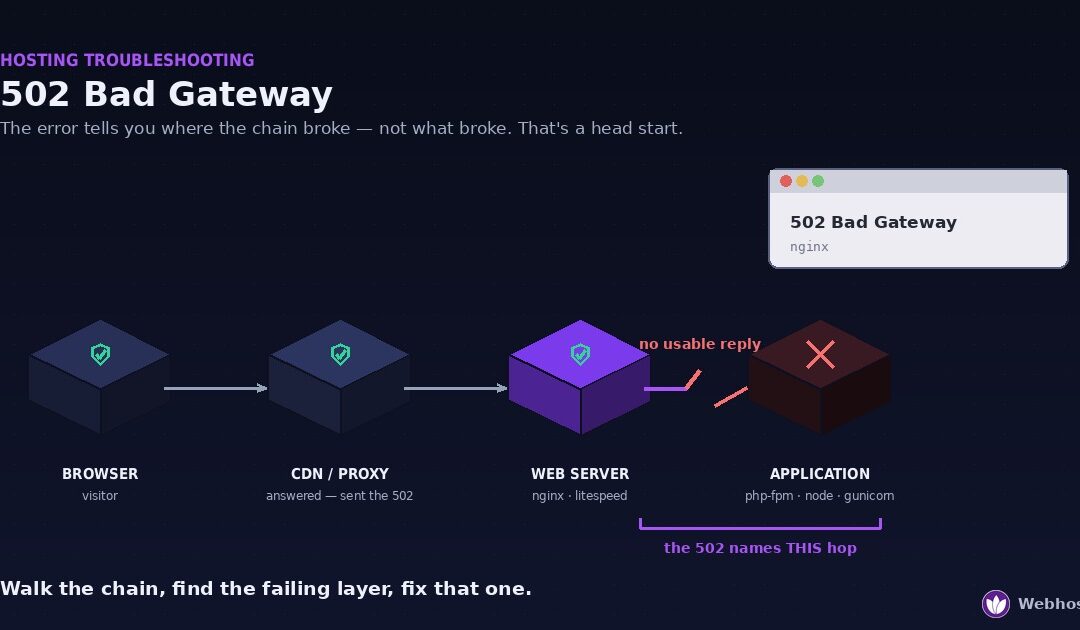
A 502 Bad Gateway means a proxy sitting in front of your website asked the server behind it for a page and got back something broken — or nothing usable at all. The proxy itself is working fine; the layer behind it is not. Four causes account for nearly every case: a...
by Webhost365 Engineering Team | Aug 25, 2026 | Hosting Explained, WordPress
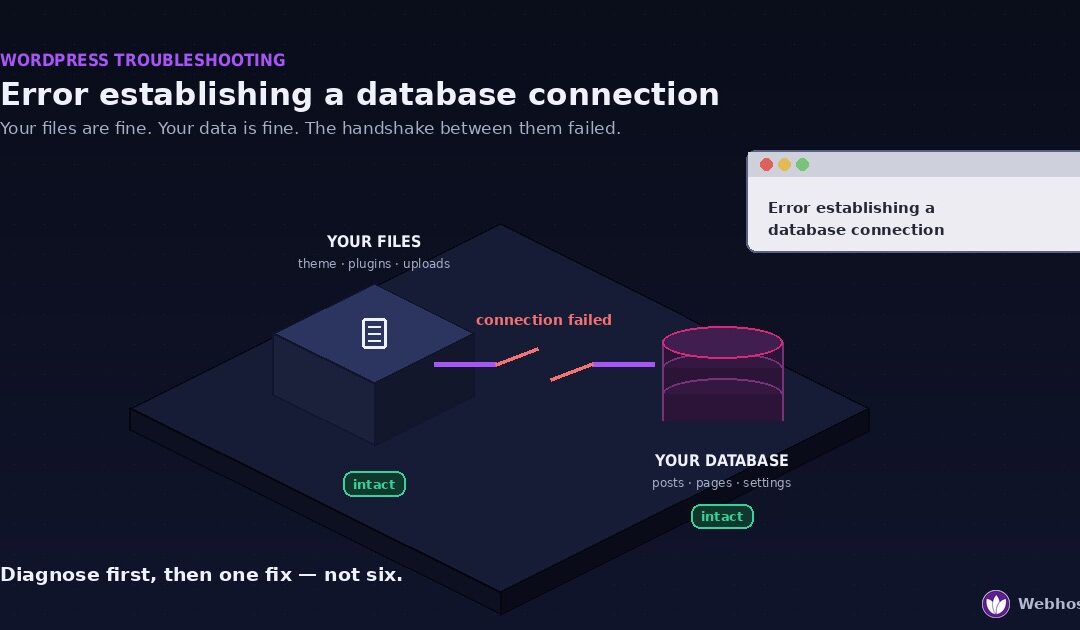
“Error establishing a database connection” means WordPress cannot reach its database. Your files are almost certainly fine, your content is almost certainly fine, and what has failed is the connection between them. Four causes account for nearly every...
by Webhost365 Engineering Team | Aug 25, 2026 | AI & Self-Hosting
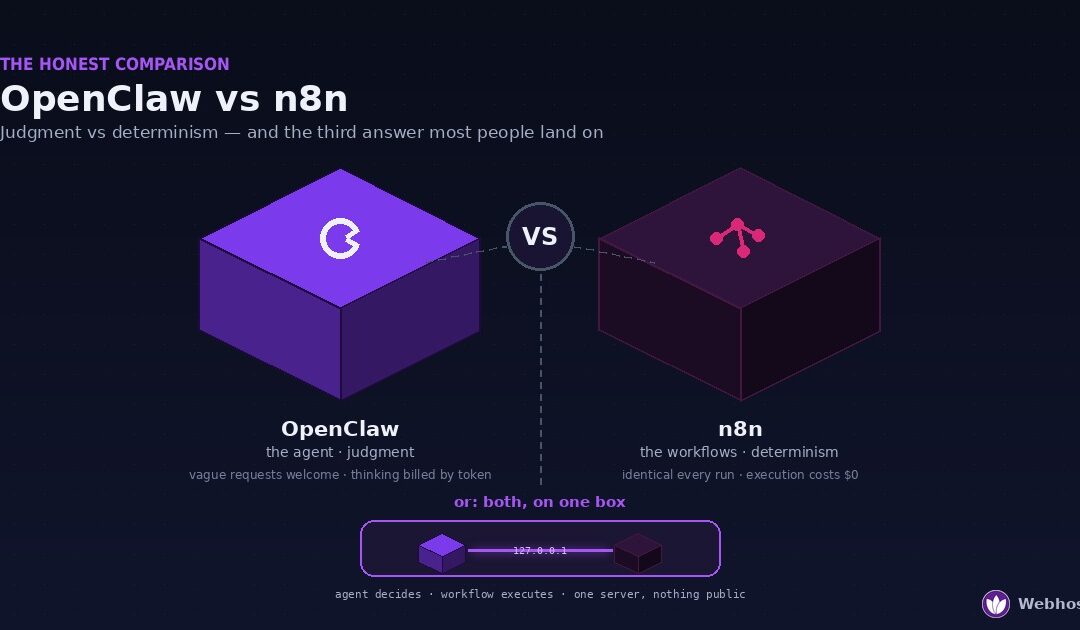
OpenClaw and n8n solve different problems, and neither replaces the other. OpenClaw is an AI agent: it reads context, makes judgment calls, and talks to you on the chat apps you already use. n8n is a workflow engine: it runs the same deterministic pipeline identically...
by Bharat Satsangi | Aug 24, 2026 | AI & Self-Hosting
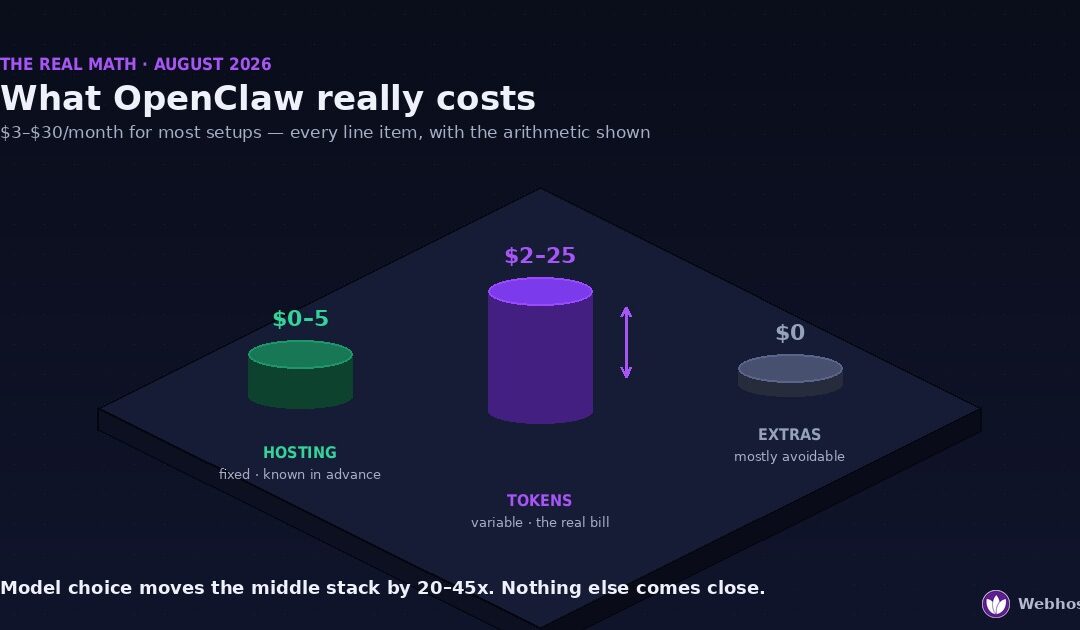
For most personal setups, running OpenClaw costs between roughly $3 and $30 per month. The bill has three parts: hosting at $0–$5, LLM API tokens at $2–$25 depending on your model and usage, and messaging channels, which are free. Heavy browser automation or a...
by Bharat Satsangi | Aug 23, 2026 | AI & Self-Hosting
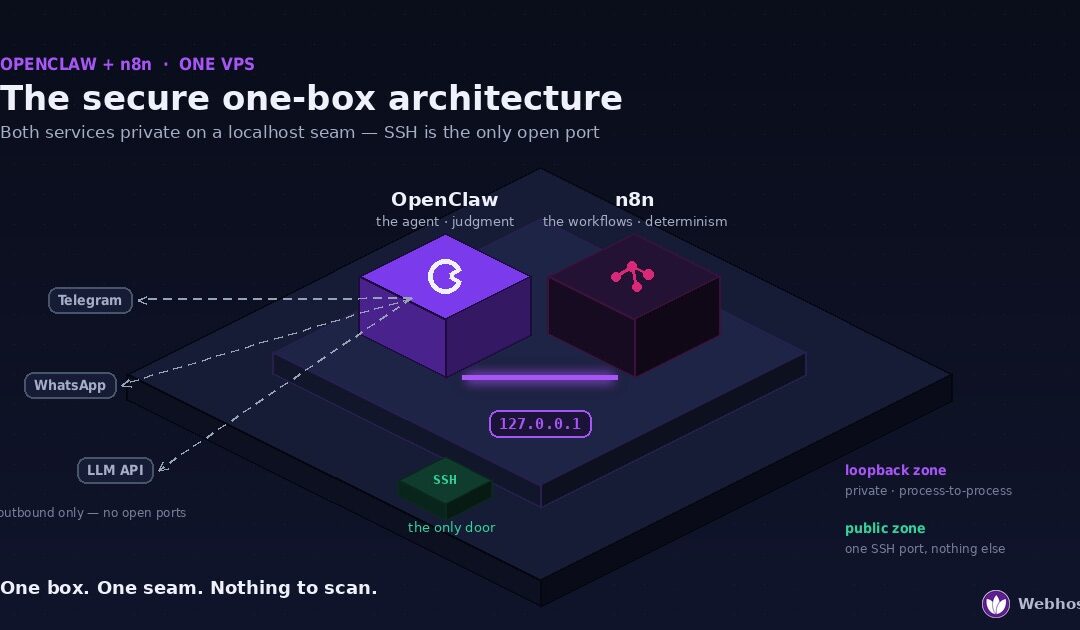
Yes — OpenClaw and n8n run comfortably together on a single VPS. A 2 vCPU / 4 GB box handles the pair for typical workloads, and the secure pattern is simpler than most guides make it: bind n8n to 127.0.0.1, let OpenClaw trigger workflows over the loopback interface,...
by Webhost365 Engineering Team | Aug 4, 2026 | AI & Self-Hosting
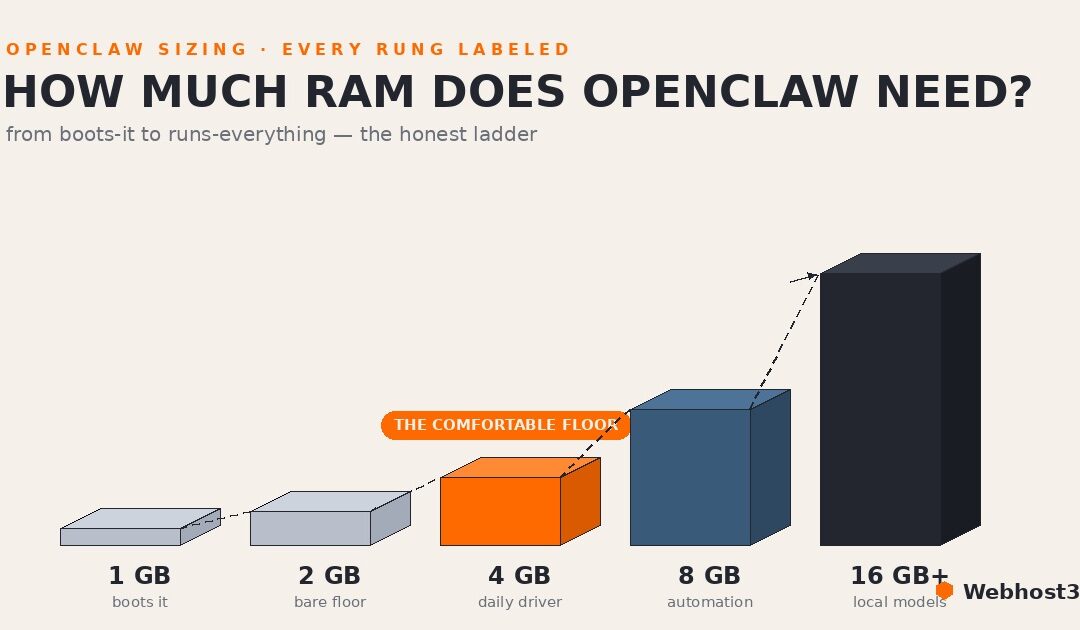
OpenClaw needs 2 GB of RAM as the honest floor for a light text-only agent, 4 GB for comfortable 24/7 use, 8 GB once browser automation enters the picture, and 16 GB or more for local models — with 2 vCPU and 20 GB of SSD storage rounding out the typical spec. One...