by Webhost365 Engineering Team | Sep 18, 2026 | Hosting Explained, Web Hosting
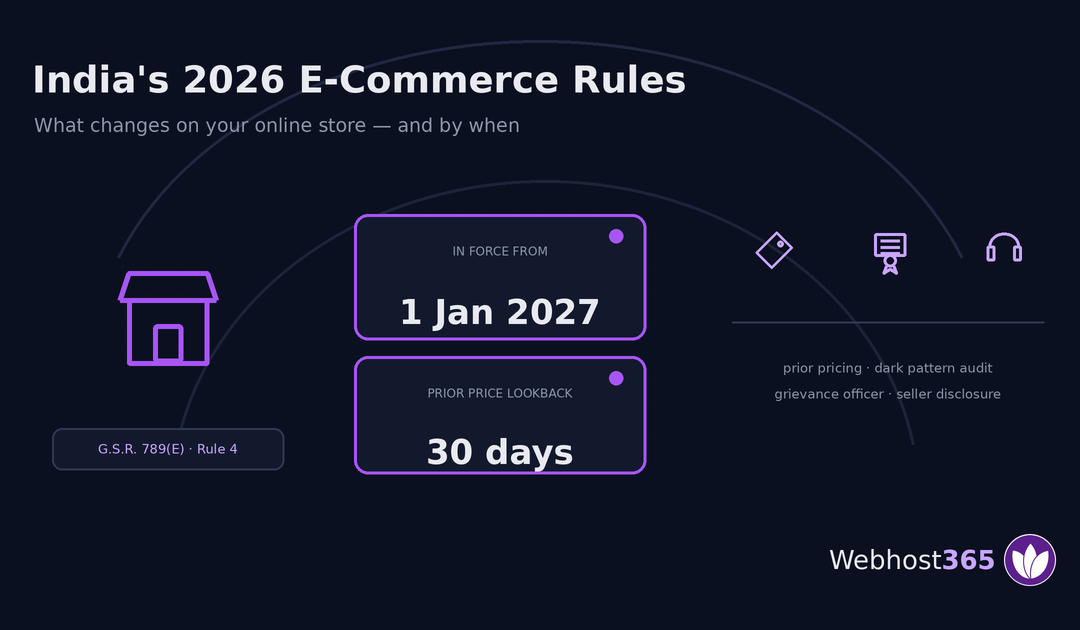
If you sell anything online to Indian consumers, new rules take effect on 1 January 2027. They change what your store must display: the prior price beside any discount, labelled sponsored listings, an annual dark-pattern audit certificate, and full contact details for...
by Webhost365 Engineering Team | Sep 17, 2026 | Hosting Explained, Web Hosting
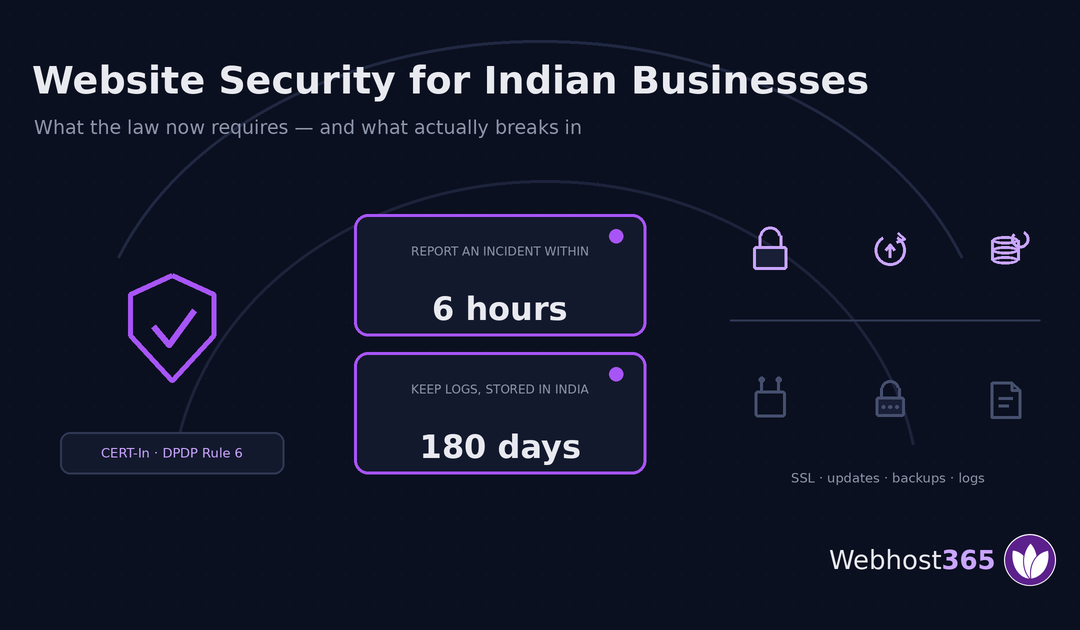
Website security in India is no longer just good practice. Two frameworks now impose specific duties on ordinary businesses: reporting a cyber incident within six hours, and keeping system logs inside India for 180 days. This guide covers what the law requires, what...
by Webhost365 Engineering Team | Sep 16, 2026 | Hosting Explained, Web Hosting
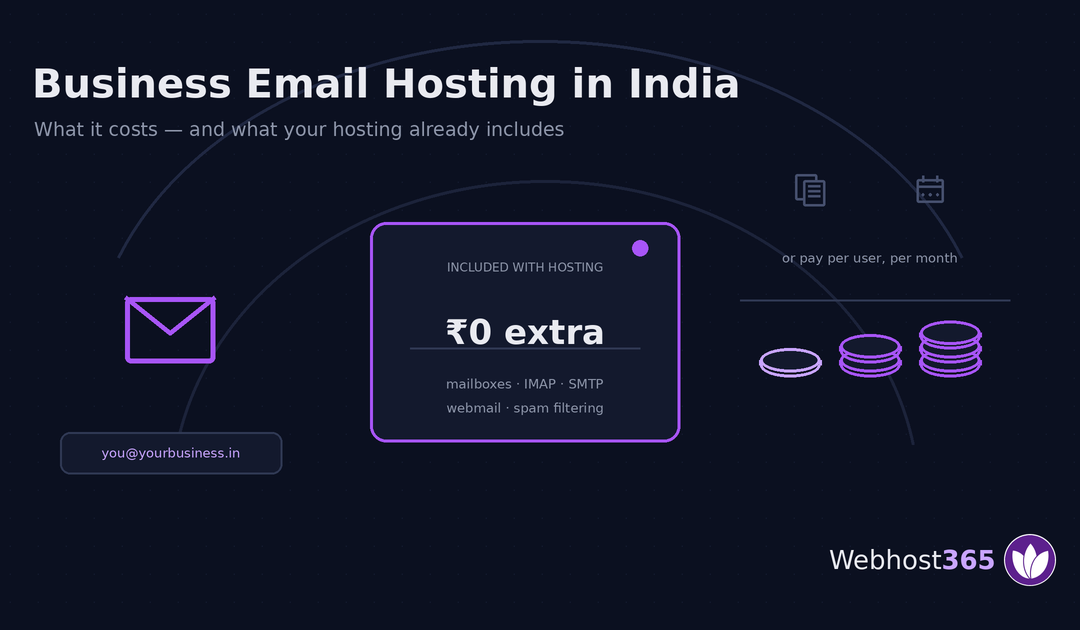
Business email in India costs anywhere from nothing to over ₹1,000 per user per month, and the quotes you find online contradict each other wildly. Many small businesses are paying per user for something their hosting already includes. This guide explains what the...
by Webhost365 Engineering Team | Sep 15, 2026 | Hosting Explained, Web Hosting
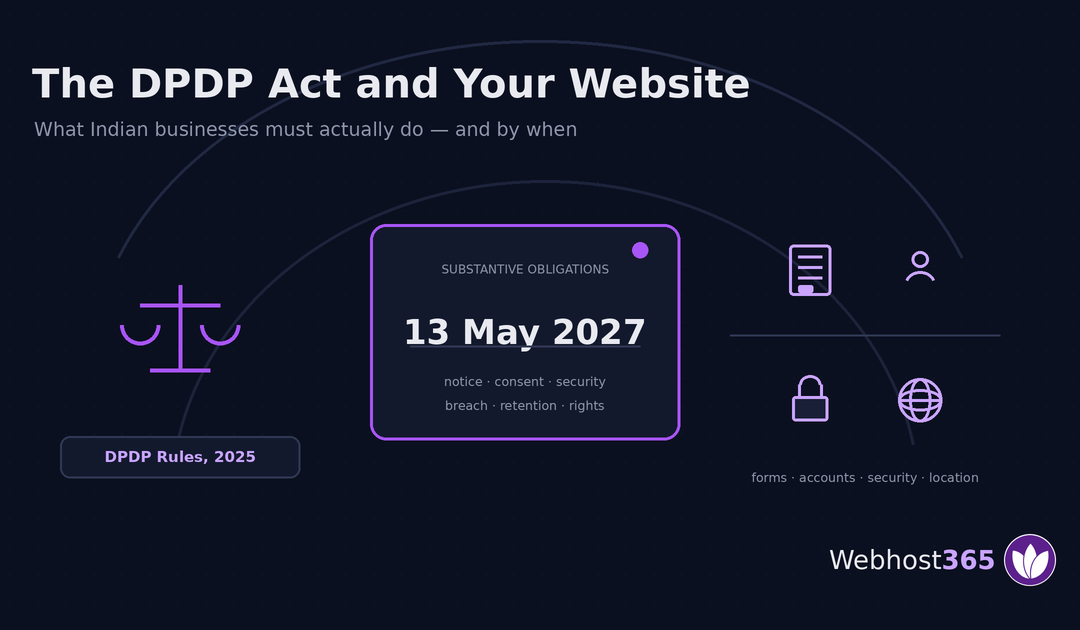
If your website collects any personal data from someone in India — a name in a contact form, an email for a newsletter, a customer account — the Digital Personal Data Protection Act applies to you. The substantive obligations commence on 13 May 2027. This is a...

by Webhost365 Engineering Team | Sep 11, 2026 | Hosting Explained, Web Hosting
VPS hosting in India starts near ₹100–₹400 a month at introductory rates, renews at two to three times that, and the cheapest tiers are often too small to run what people buy them for. This guide covers what a VPS really costs, whether you need one at all, what to...

by Webhost365 Engineering Team | Sep 10, 2026 | Hosting Explained, Web Hosting
A basic business website in India costs a few thousand rupees to build yourself, ₹10,000–₹60,000 through a freelancer, and ₹40,000–₹1,50,000 through an agency. Then a yearly run cost follows whichever route you take: domain, hosting, SSL, and upkeep. This guide...

by Webhost365 Engineering Team | Sep 10, 2026 | Hosting Explained, Web Hosting
Web hosting in India starts near ₹69 a month for shared hosting and climbs to several thousand for a dedicated server. The advertised figure is rarely what you pay, though. Renewals often cost several times the intro rate, and 18% GST sits on top of both. This guide...

by Webhost365 Engineering Team | Sep 10, 2026 | Hosting Explained, Web Hosting
.in domain registration is open to anyone in the world. But since 1 August 2025, every registrant must complete identity verification — or risk losing the domain. First-year offers run ₹1–₹199, while renewals cost ₹700–₹1,096 plus 18% GST. This guide covers the real...
by Webhost365 Engineering Team | Sep 9, 2026 | Hosting Explained, Web Hosting
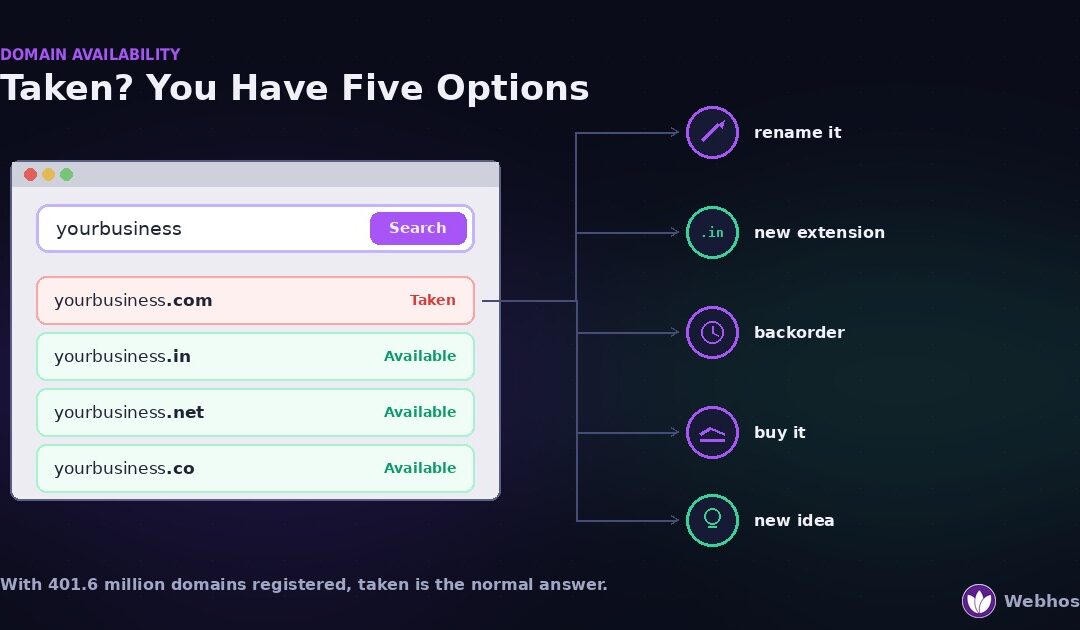
To check whether a domain is available, search it at any registrar or run a WHOIS lookup. An unregistered name returns no record. If the name is taken — and with more than 400 million domains registered worldwide, most short ones are — you have five options: change...
by Webhost365 Engineering Team | Sep 9, 2026 | Hosting Explained, Web Hosting
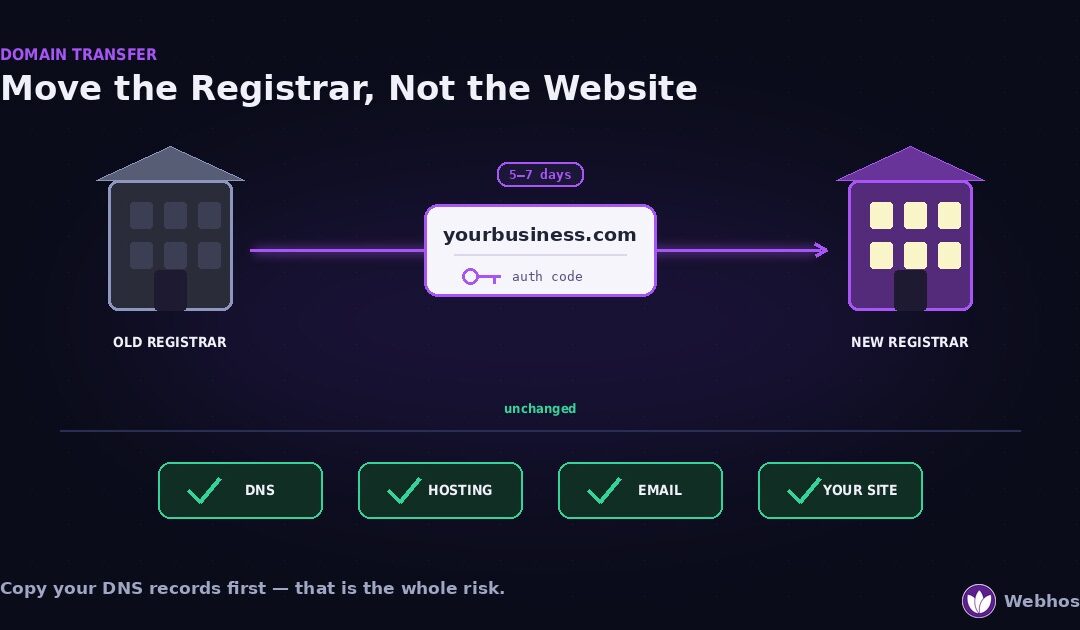
Transferring a domain moves who manages and bills it, not where it points. So your website and email keep working, provided you copy the DNS records before you start. Four steps: unlock the domain, get the authorization code, request the transfer at the new registrar,...
by Webhost365 Engineering Team | Sep 9, 2026 | Hosting Explained, Web Hosting
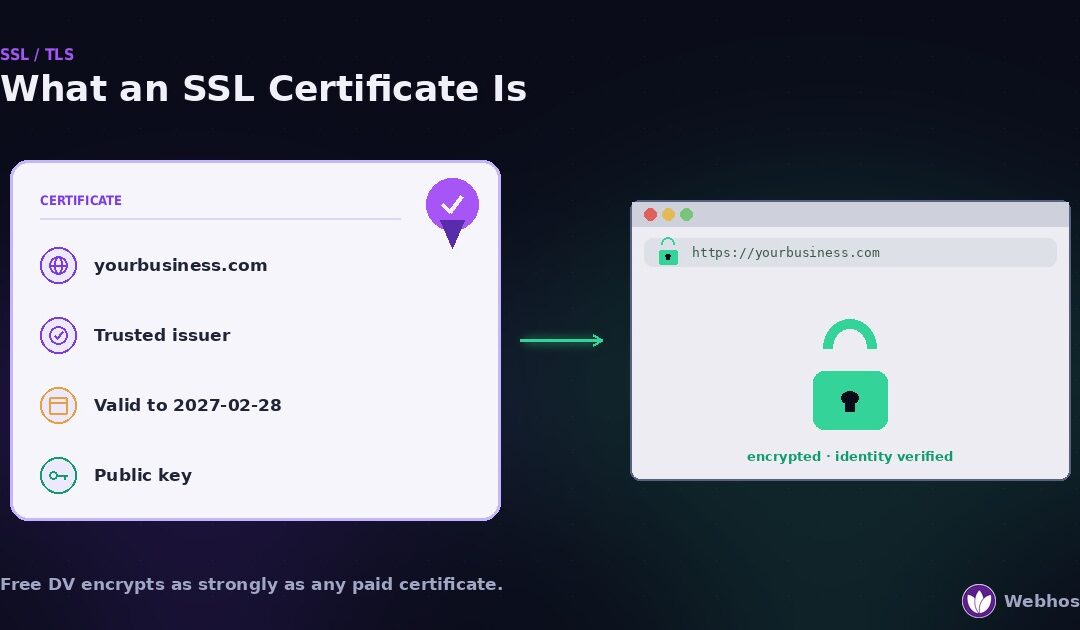
An SSL certificate is a small file that proves a website is who it claims to be and enables the encrypted HTTPS connection behind the padlock. Most sites need the basic domain-validated type, which is free and renews automatically. Paid certificates add identity...
by Webhost365 Engineering Team | Sep 8, 2026 | Hosting Explained, Web Hosting
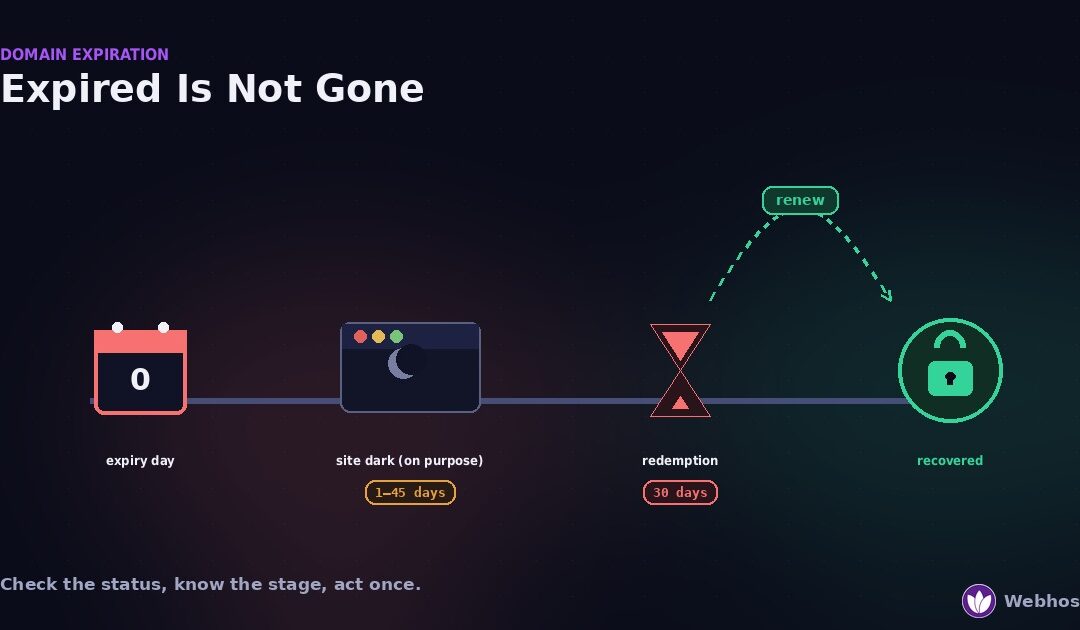
When a domain expires, the website and email stop working, but the name is not gone. Most domains pass through a renewal grace period, then a 30-day redemption period, before anyone else can register them. Renew during the grace period at the normal price. Redeem...