by Webhost365 Engineering Team | Sep 7, 2026 | Hosting Explained, WordPress
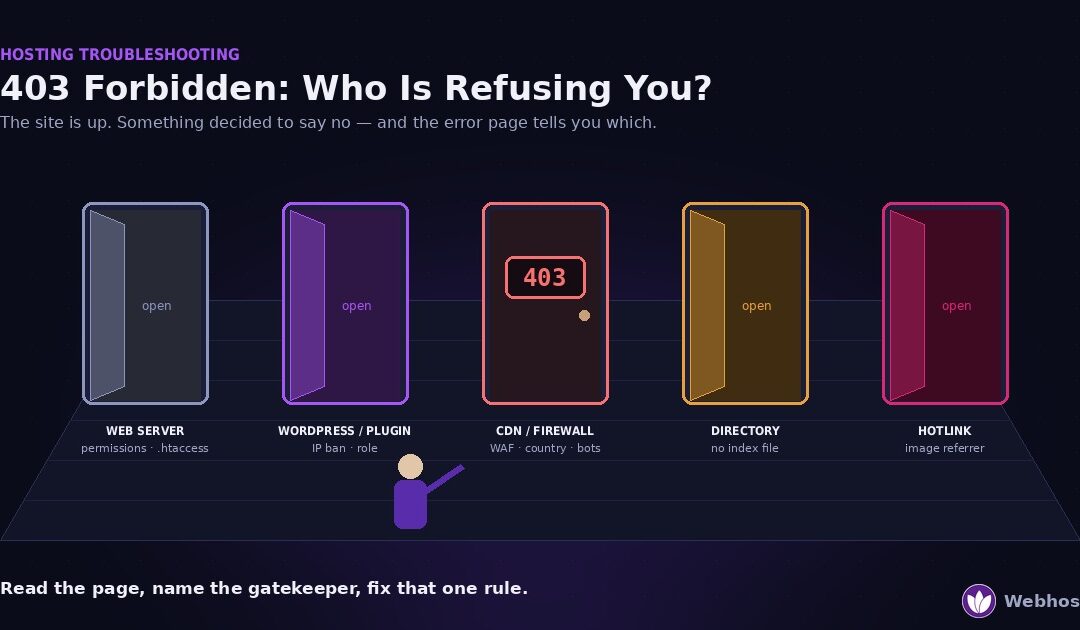
A 403 Forbidden means the server understood your request and refused it on purpose. The site is up, so nothing has crashed. Something simply decided you may not see this page. Five things can make that decision — the web server, WordPress or a security plugin, a CDN...
by Webhost365 Engineering Team | Sep 7, 2026 | Hosting Explained, WordPress
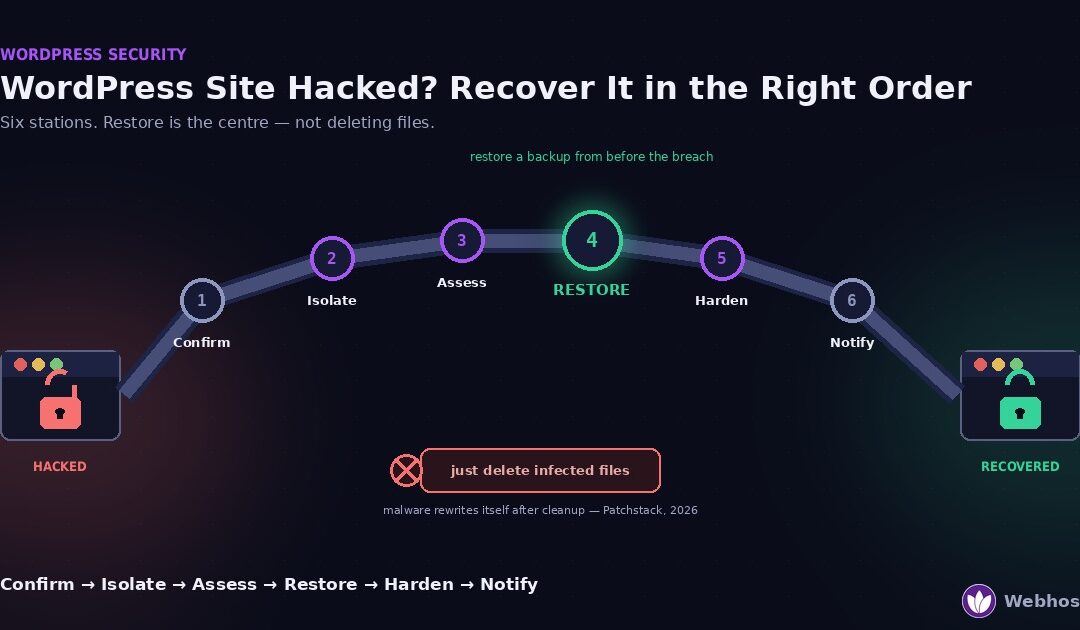
If your WordPress site was hacked, recover it in this order: confirm the hack is real, isolate the site and change every password, find how they got in, restore a backup from before the breach, harden the site, then clear Google’s warnings. Do not start by...
by Webhost365 Engineering Team | Aug 28, 2026 | Hosting Explained, WordPress
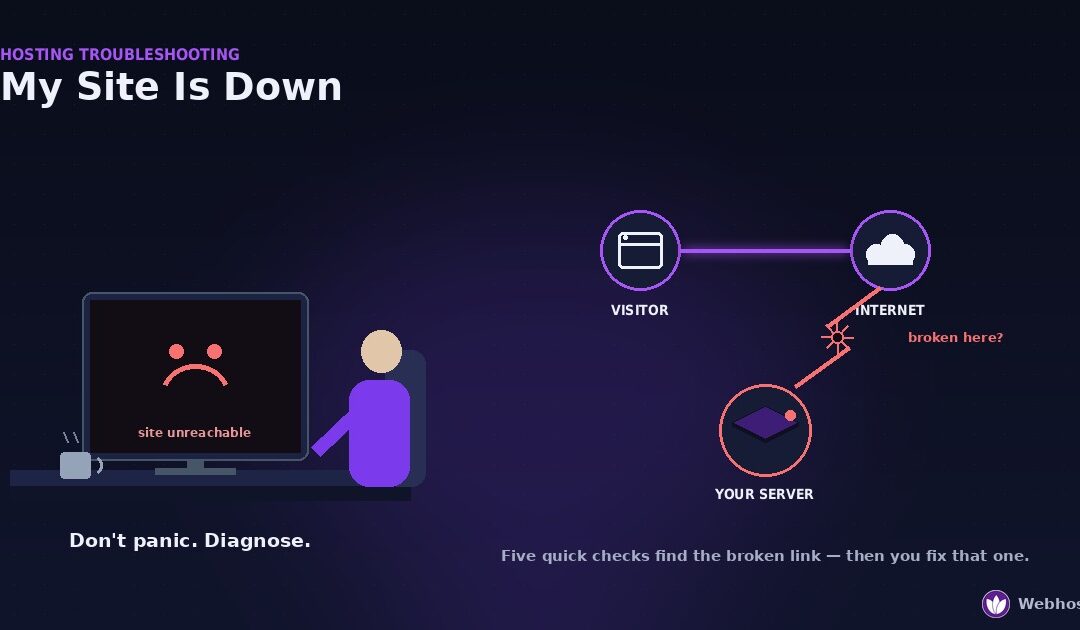
When your site is down, work through five checks in order before you change anything. Is it down for everyone, or just you? Does it show an error, or nothing at all? What does the error say? Did the domain or DNS break? Is the server even reachable? Each check rules...
by Webhost365 Engineering Team | Aug 26, 2026 | Hosting Explained, WordPress
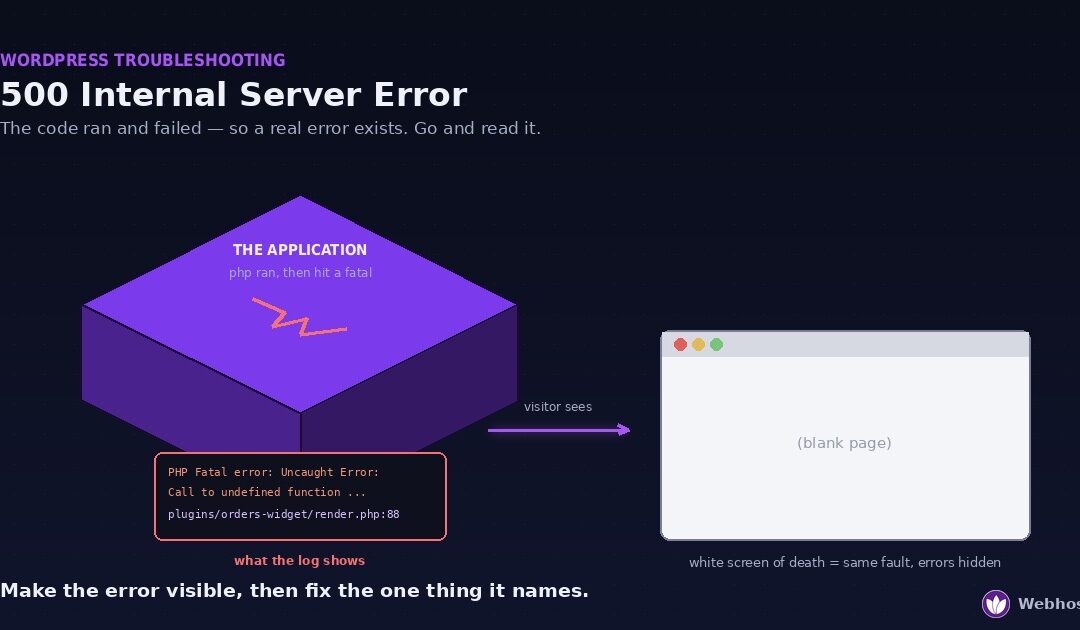
A 500 Internal Server Error means your website’s code ran and then failed. The server has no useful page to send back, so it returns a generic error instead. A blank white page is the same fault with error display switched off. Four causes cover almost every...
by Webhost365 Engineering Team | Aug 25, 2026 | Hosting Explained, WordPress
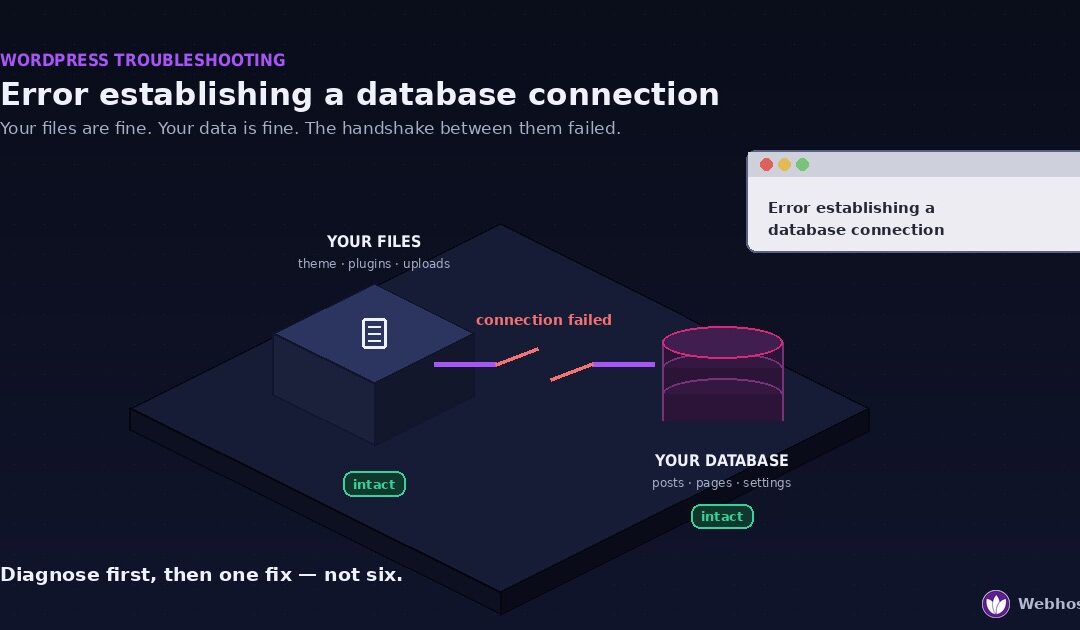
“Error establishing a database connection” means WordPress cannot reach its database. Your files are almost certainly fine, your content is almost certainly fine, and what has failed is the connection between them. Four causes account for nearly every...
by Webhost365 Engineering Team | Jun 17, 2026 | Hosting Explained, WordPress
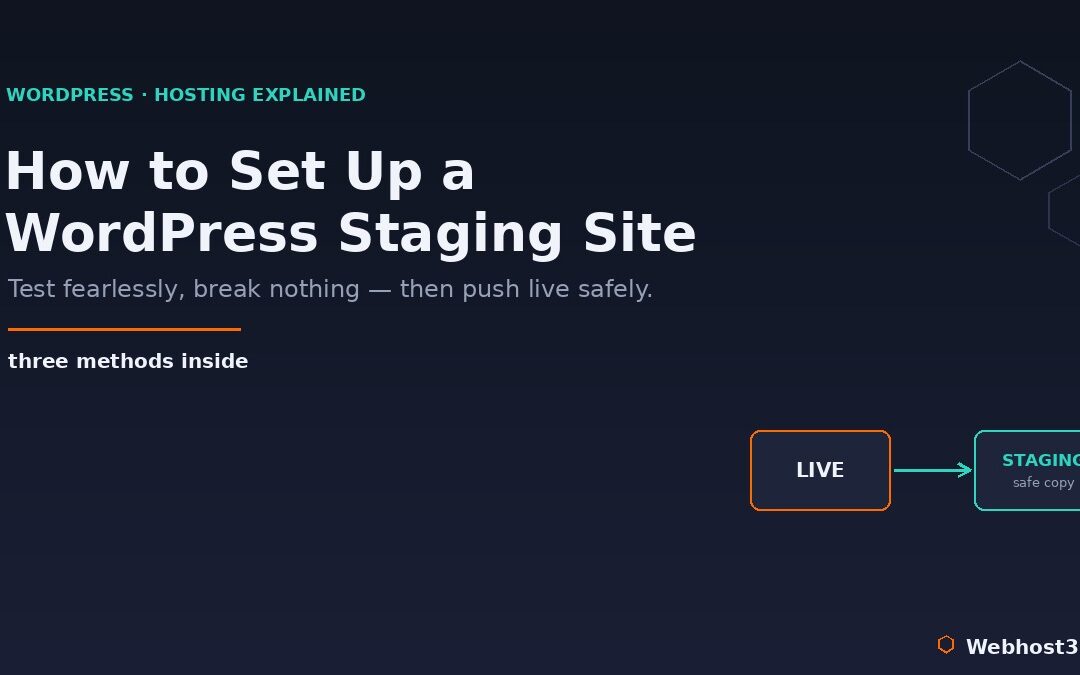
Every WordPress owner knows the small jolt of fear that comes with clicking “update” on a live site. A plugin update, a theme change, a new piece of code — any of them can break something, and when the site is live, that break happens in front of your...