by Webhost365 Engineering Team | Sep 7, 2026 | Hosting Explained, WordPress
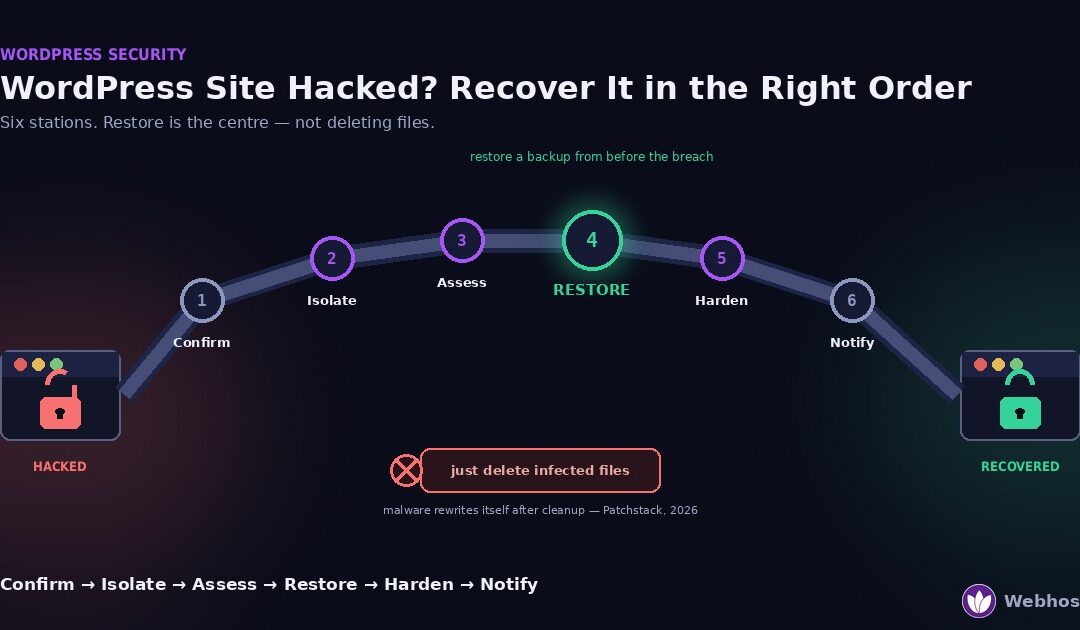
If your WordPress site was hacked, recover it in this order: confirm the hack is real, isolate the site and change every password, find how they got in, restore a backup from before the breach, harden the site, then clear Google’s warnings. Do not start by...
by Webhost365 Engineering Team | Sep 6, 2026 | Hosting Explained, Web Hosting
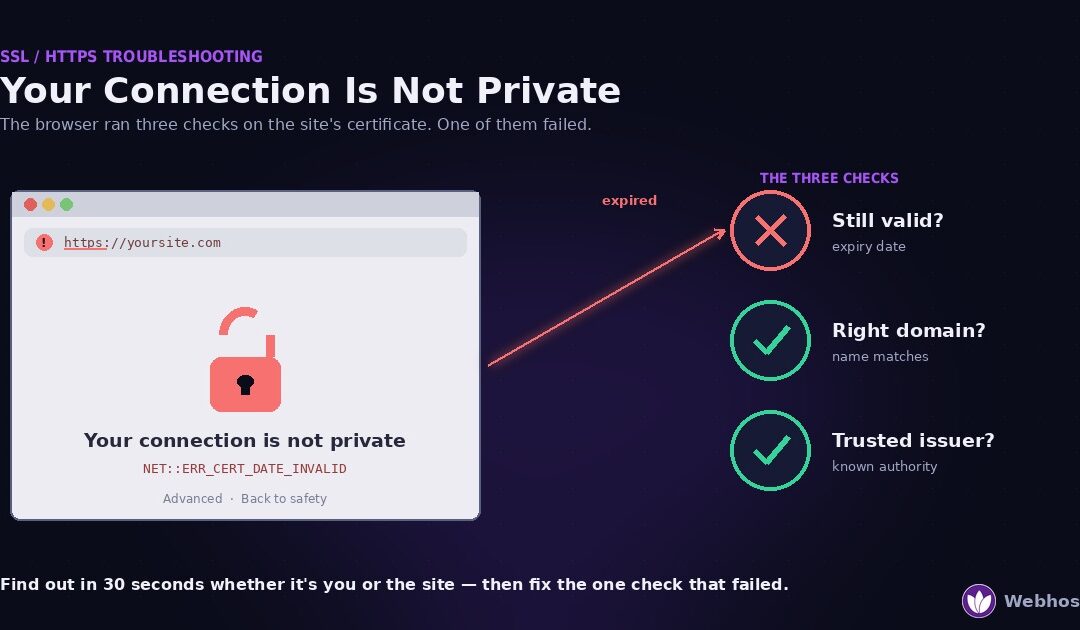
“Your connection is not private” means your browser checked the website’s SSL certificate and found a problem. Either the certificate has expired, it covers a different domain, or the browser does not trust the authority that issued it. In most cases...
by Webhost365 Engineering Team | Aug 28, 2026 | Hosting Explained, WordPress
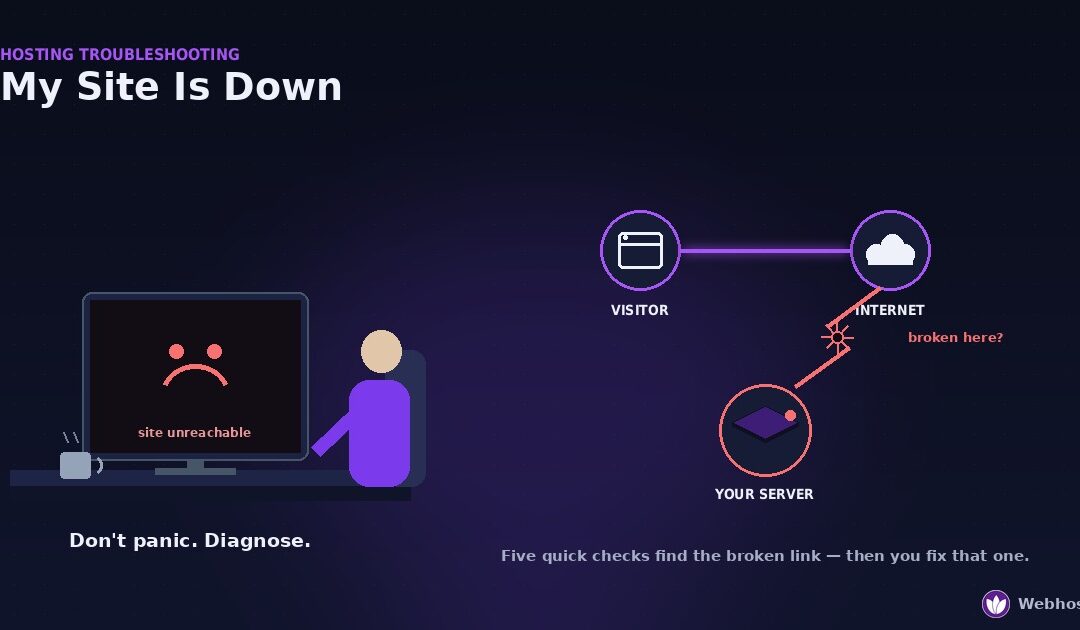
When your site is down, work through five checks in order before you change anything. Is it down for everyone, or just you? Does it show an error, or nothing at all? What does the error say? Did the domain or DNS break? Is the server even reachable? Each check rules...
by Webhost365 Engineering Team | Aug 26, 2026 | Hosting Explained, WordPress
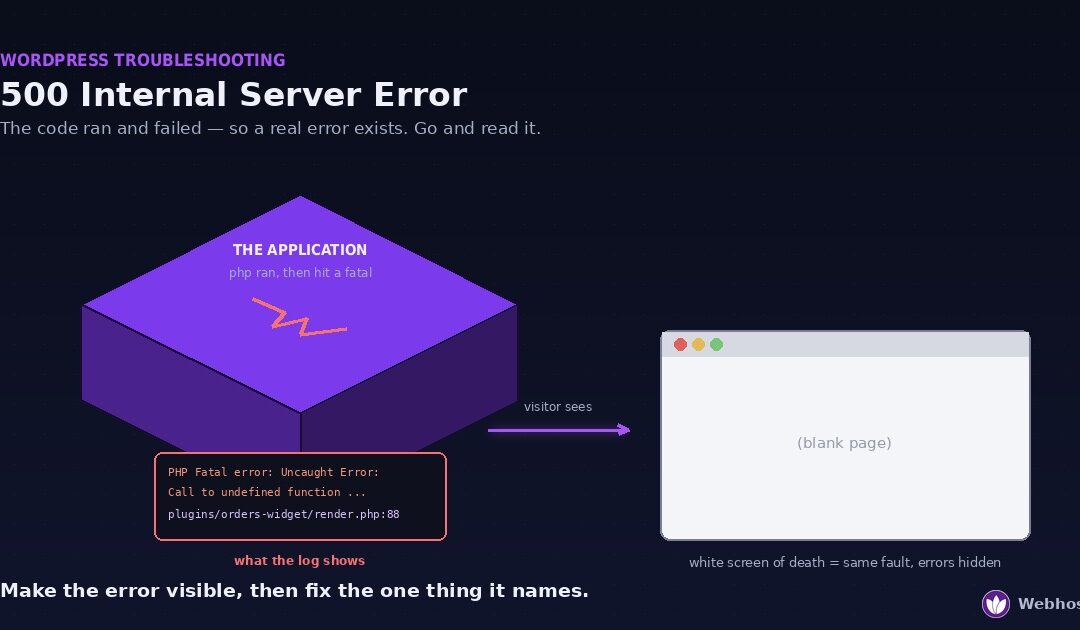
A 500 Internal Server Error means your website’s code ran and then failed. The server has no useful page to send back, so it returns a generic error instead. A blank white page is the same fault with error display switched off. Four causes cover almost every...
by Webhost365 Engineering Team | Aug 25, 2026 | Hosting Explained, Web Hosting
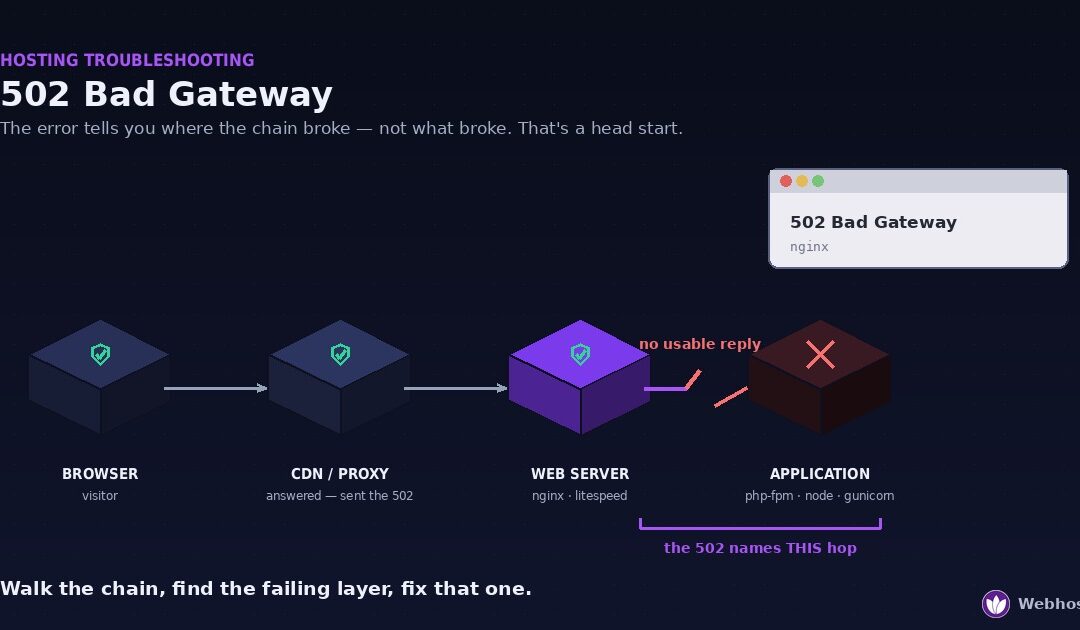
A 502 Bad Gateway means a proxy sitting in front of your website asked the server behind it for a page and got back something broken — or nothing usable at all. The proxy itself is working fine; the layer behind it is not. Four causes account for nearly every case: a...
by Webhost365 Engineering Team | Aug 25, 2026 | Hosting Explained, WordPress
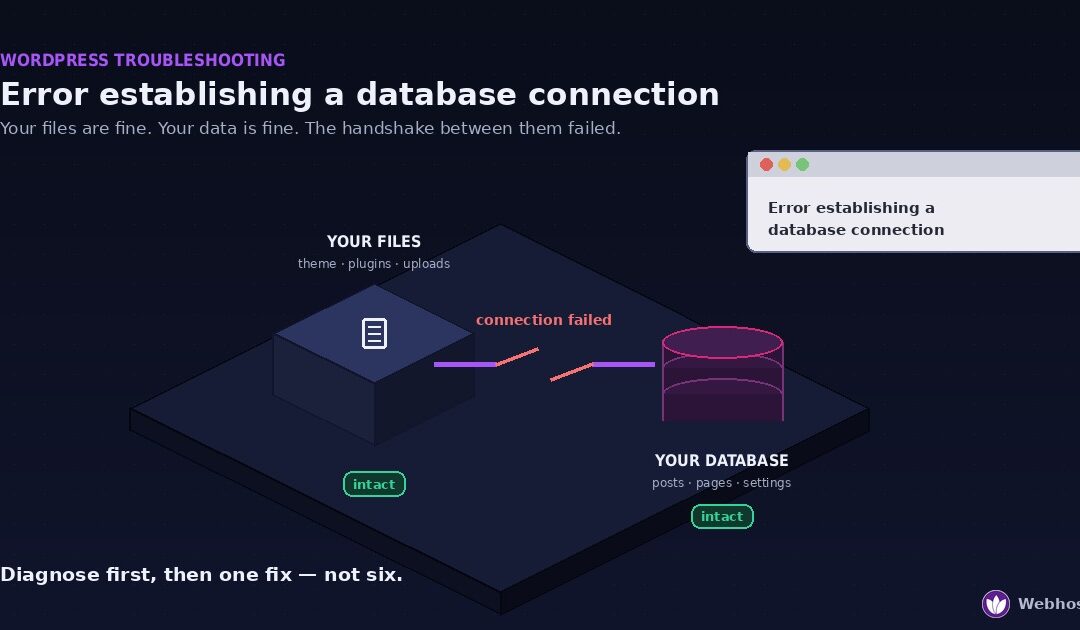
“Error establishing a database connection” means WordPress cannot reach its database. Your files are almost certainly fine, your content is almost certainly fine, and what has failed is the connection between them. Four causes account for nearly every...