
by Webhost365 Engineering Team | Sep 10, 2026 | Hosting Explained, Web Hosting
Web hosting in India starts near ₹69 a month for shared hosting and climbs to several thousand for a dedicated server. The advertised figure is rarely what you pay, though. Renewals often cost several times the intro rate, and 18% GST sits on top of both. This guide...

by Webhost365 Engineering Team | Sep 10, 2026 | Hosting Explained, Web Hosting
.in domain registration is open to anyone in the world. But since 1 August 2025, every registrant must complete identity verification — or risk losing the domain. First-year offers run ₹1–₹199, while renewals cost ₹700–₹1,096 plus 18% GST. This guide covers the real...
by Webhost365 Engineering Team | Sep 9, 2026 | Hosting Explained, Web Hosting
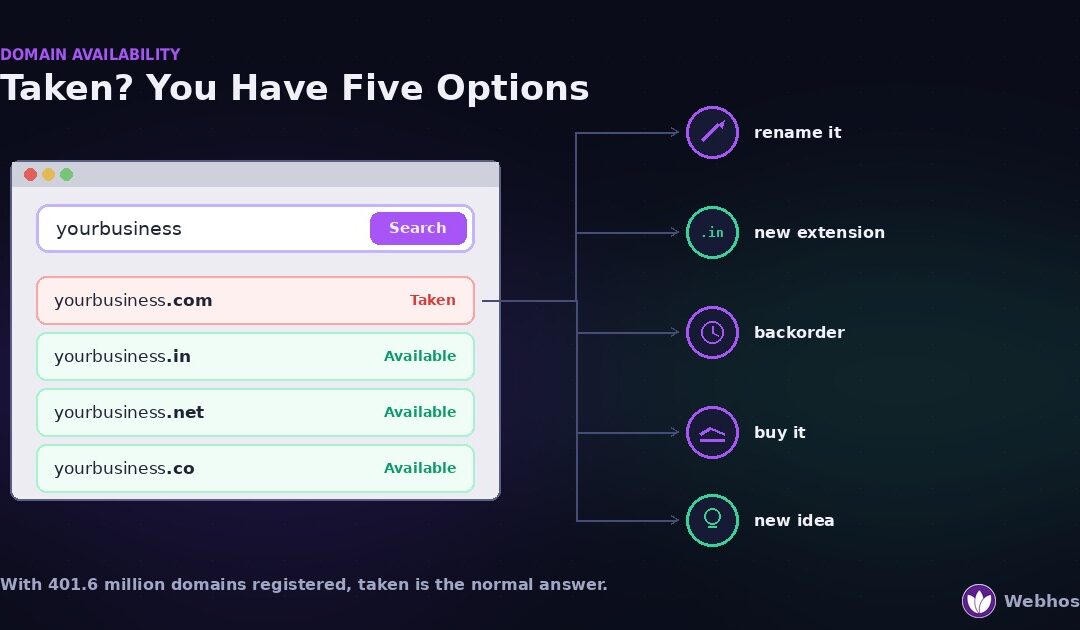
To check whether a domain is available, search it at any registrar or run a WHOIS lookup. An unregistered name returns no record. If the name is taken — and with more than 400 million domains registered worldwide, most short ones are — you have five options: change...
by Webhost365 Engineering Team | Sep 9, 2026 | Hosting Explained, Web Hosting
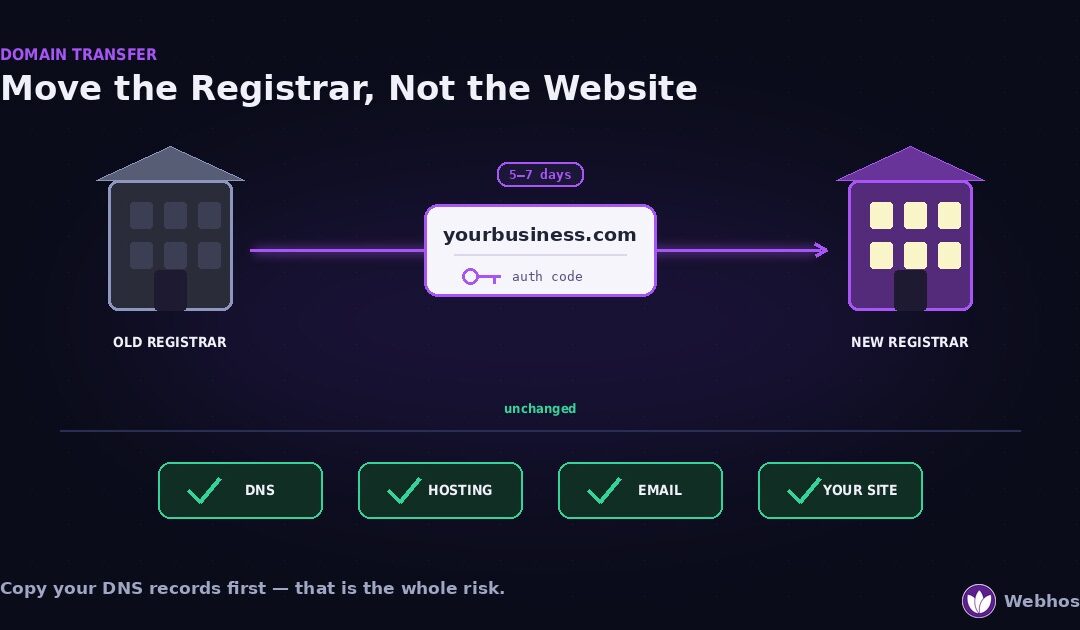
Transferring a domain moves who manages and bills it, not where it points. So your website and email keep working, provided you copy the DNS records before you start. Four steps: unlock the domain, get the authorization code, request the transfer at the new registrar,...
by Webhost365 Engineering Team | Sep 9, 2026 | Hosting Explained, Web Hosting
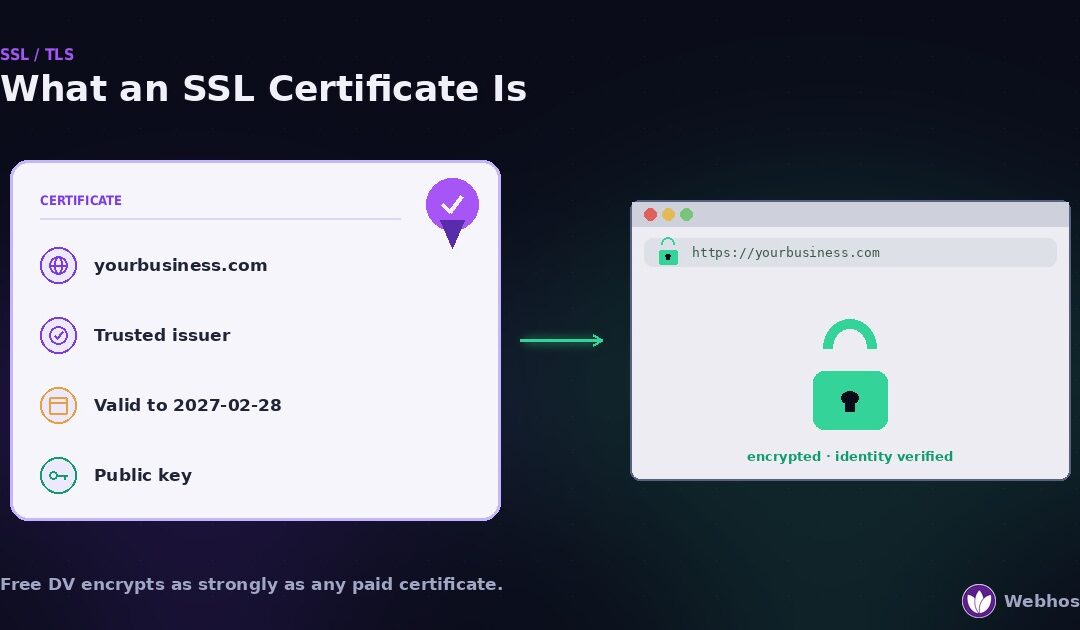
An SSL certificate is a small file that proves a website is who it claims to be and enables the encrypted HTTPS connection behind the padlock. Most sites need the basic domain-validated type, which is free and renews automatically. Paid certificates add identity...
by Webhost365 Engineering Team | Sep 8, 2026 | Hosting Explained, Web Hosting
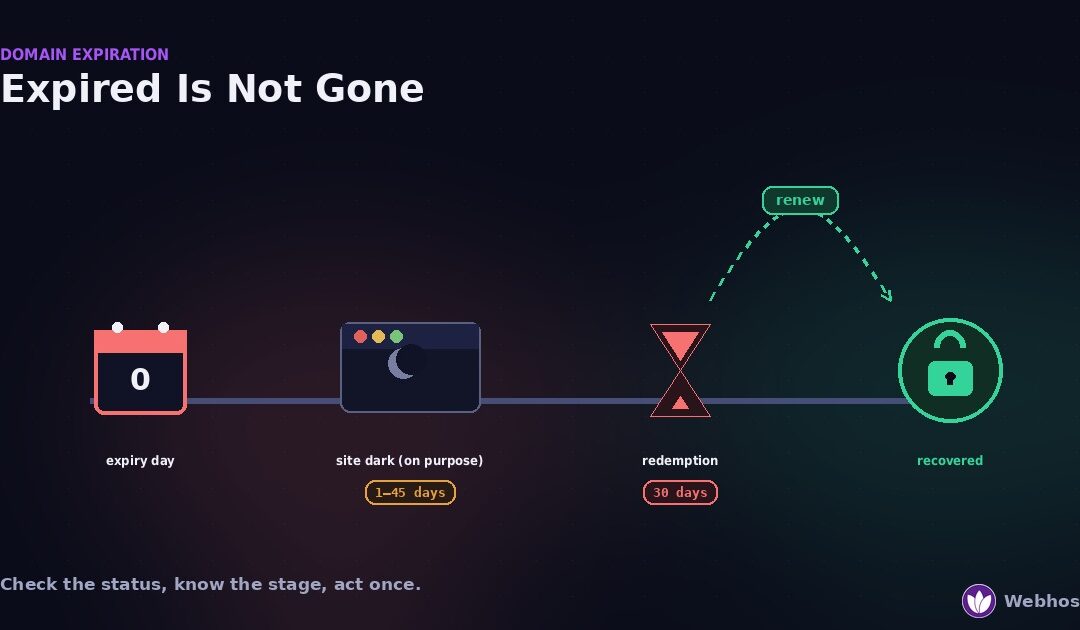
When a domain expires, the website and email stop working, but the name is not gone. Most domains pass through a renewal grace period, then a 30-day redemption period, before anyone else can register them. Renew during the grace period at the normal price. Redeem...