by Webhost365 Engineering Team | Aug 26, 2026 | Hosting Explained, WordPress
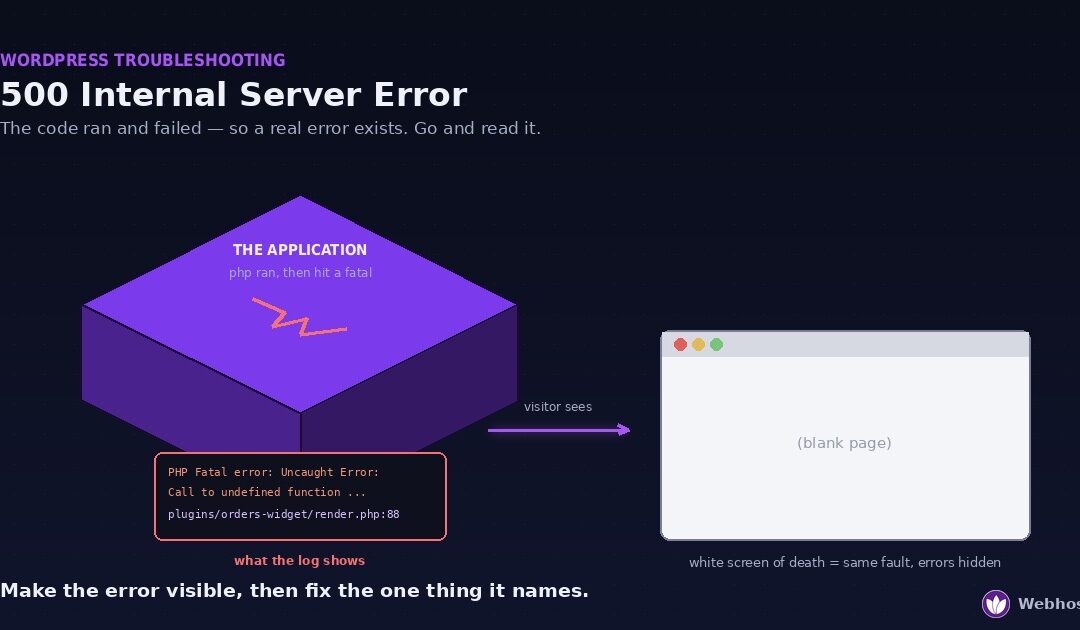
A 500 Internal Server Error means your website’s code ran and then failed. The server has no useful page to send back, so it returns a generic error instead. A blank white page is the same fault with error display switched off. Four causes cover almost every...
by Webhost365 Engineering Team | Aug 25, 2026 | Hosting Explained, WordPress
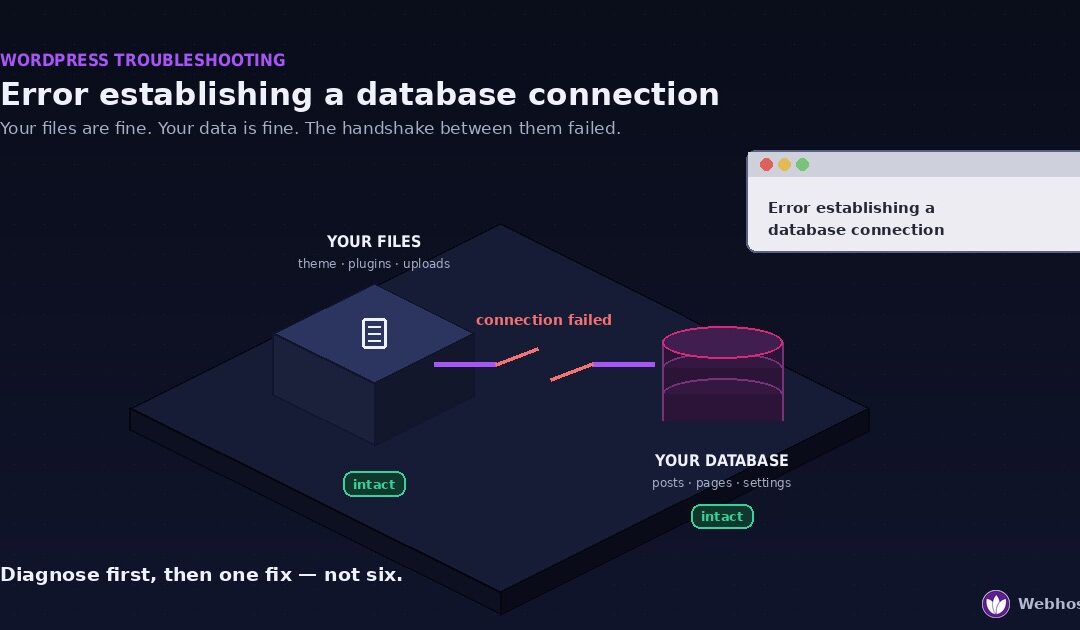
“Error establishing a database connection” means WordPress cannot reach its database. Your files are almost certainly fine, your content is almost certainly fine, and what has failed is the connection between them. Four causes account for nearly every...
by Webhost365 Engineering Team | Jun 17, 2026 | Hosting Explained, WordPress
Every WordPress owner knows the small jolt of fear that comes with clicking “update” on a live site. A plugin update, a theme change, a new piece of code — any of them can break something, and when the site is live, that break happens in front of your...
by Webhost365 Engineering Team | Jun 14, 2026 | Hosting Explained, WordPress
“How much hosting does my WordPress site need?” sounds like it should have a clean answer, and almost every guide online gives you one: a tidy table that says 10,000 visitors needs 4GB of RAM, and so on. The problem is that the table is usually wrong,...
by Webhost365 Engineering Team | Jun 7, 2026 | WordPress
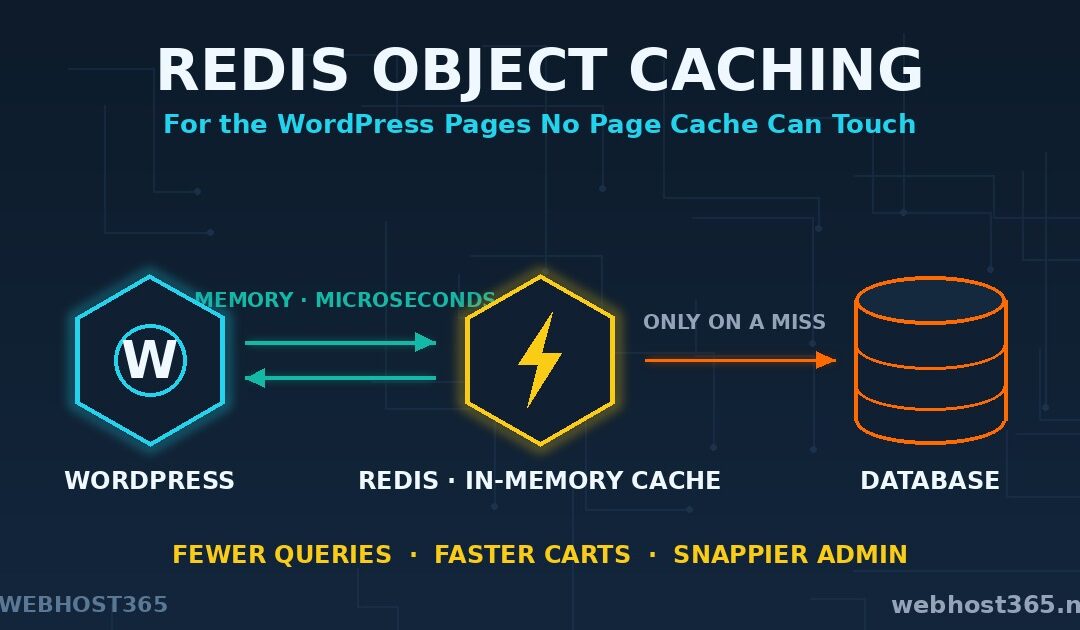
Redis object caching stores the results of your WordPress database queries in memory, so pages that must be built fresh get built fast. It is the speed layer for everything your page cache cannot touch. A page cache already serves your anonymous visitors instantly —...
by Webhost365 Engineering Team | Jun 5, 2026 | Artificial Intelligence, WordPress
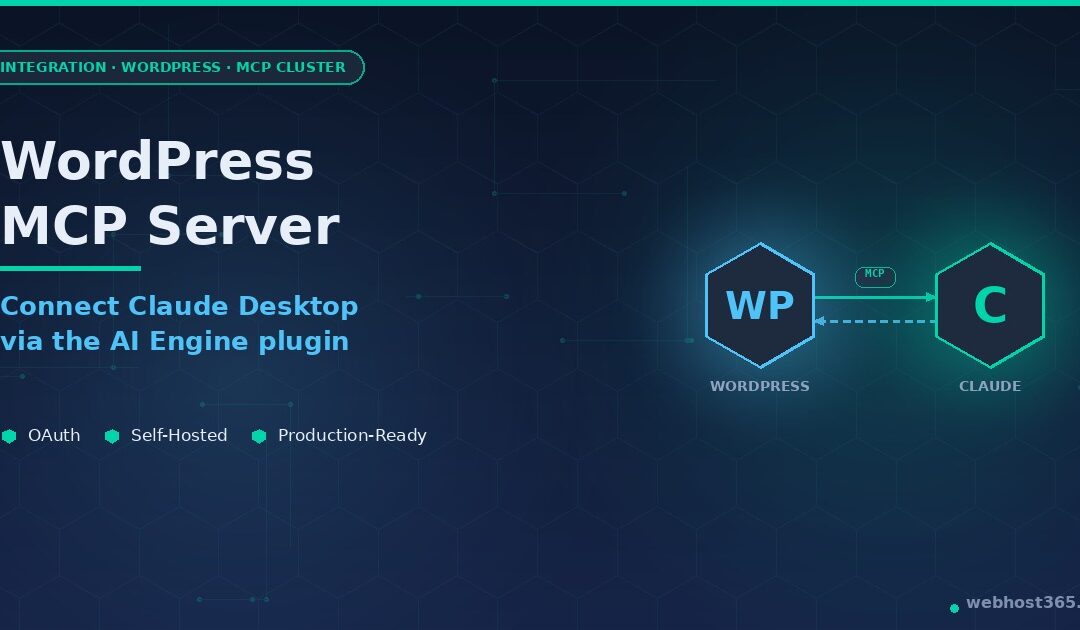
WordPress and Claude are a natural pair, and almost nobody is using them together properly. Most “AI in WordPress” content is about adding a chatbot to your homepage or auto-generating filler posts. What we are going to do in this guide is different:...